Running a site
SEO checks
What the audit looks for on every page, and how much each check matters.
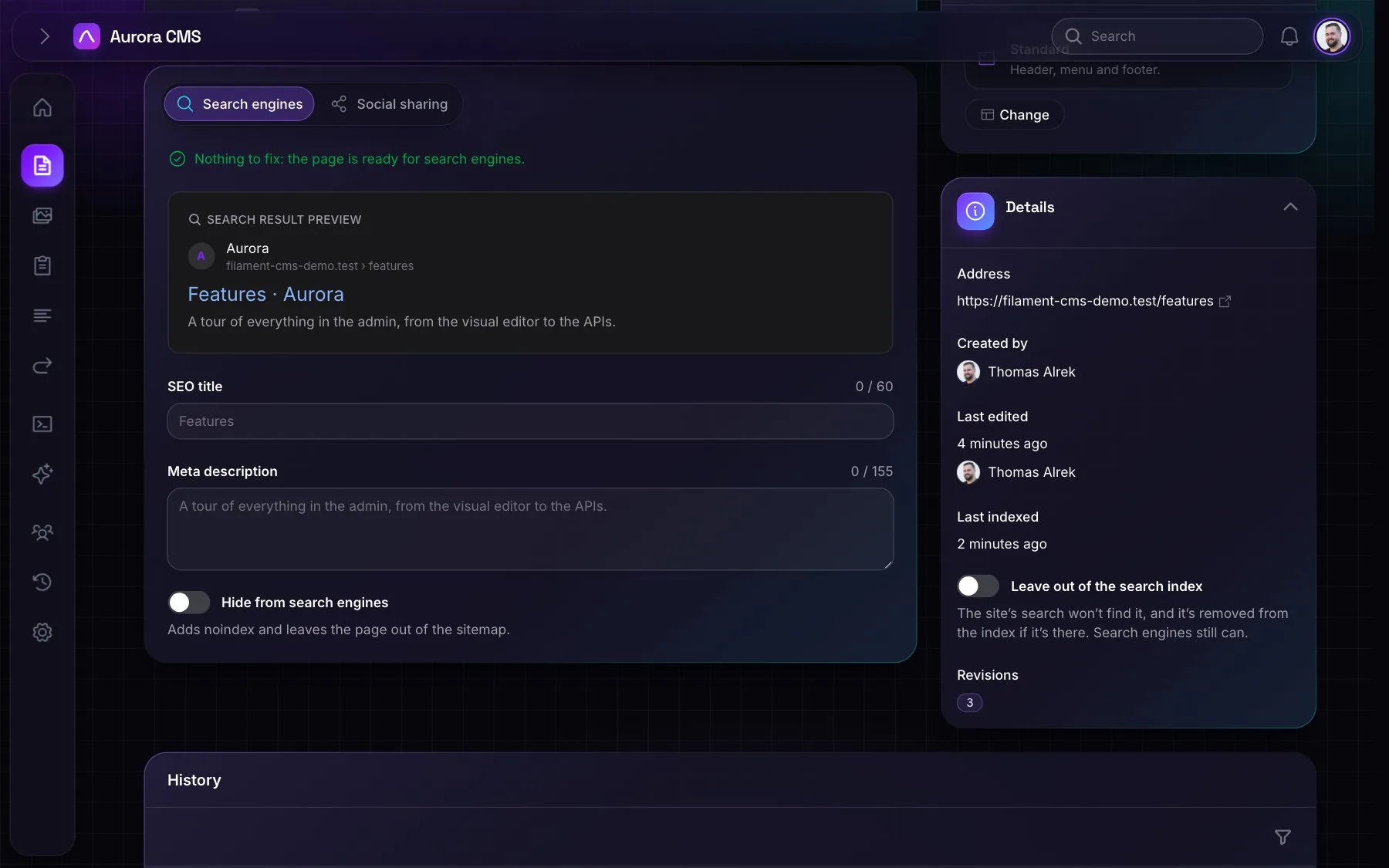
Aurora checks every page for what would help it in search results. The checks read the page as visitors get it, drawn with its layout, so headings, links and images in the layout and in every block count. They're on the page's Search engines tab, in Settings › Search & SEO › SEO report and for AI apps (seo_report).
The checks
| Check | Level |
|---|---|
| No meta description or summary, so search engines make up their own text | Problem |
| The title is longer than 60 characters | Warning |
| The description is longer than 160 characters | Warning |
| No main heading (an H1, or a hero) | Warning |
| More than one H1, anywhere on the page | Warning |
| Image blocks without alt text | Warning |
Images with no alt attribute at all (alt="" is fine for decoration) | Warning |
| Links that lead nowhere: to a page that isn't live, or was removed | Warning |
| Links without text | Warning |
| Another page has the same title | Warning |
| The title is shorter than 30 characters | Suggestion |
| The description is shorter than 70 characters | Suggestion |
| A heading skips a level, such as H2 straight to H4 | Suggestion |
| Links that go through a redirect, rather than to the page's own address | Suggestion |
| Fewer than 300 words, on a page meant to be found | Suggestion |
| No share image, on the page or for the site | Suggestion |
| Another page has the same description | Suggestion |
| Hidden from search engines, on purpose | Suggestion |
The SEO report
The report lists every live page with a problem or a warning, the pages needing most first. Suggestions are only shown on each page's own tab.