Features
Everything Aurora does
A tour of the admin, from the visual editor to the APIs, with a link to the docs for each part.
Editing
Compose pages on the real design
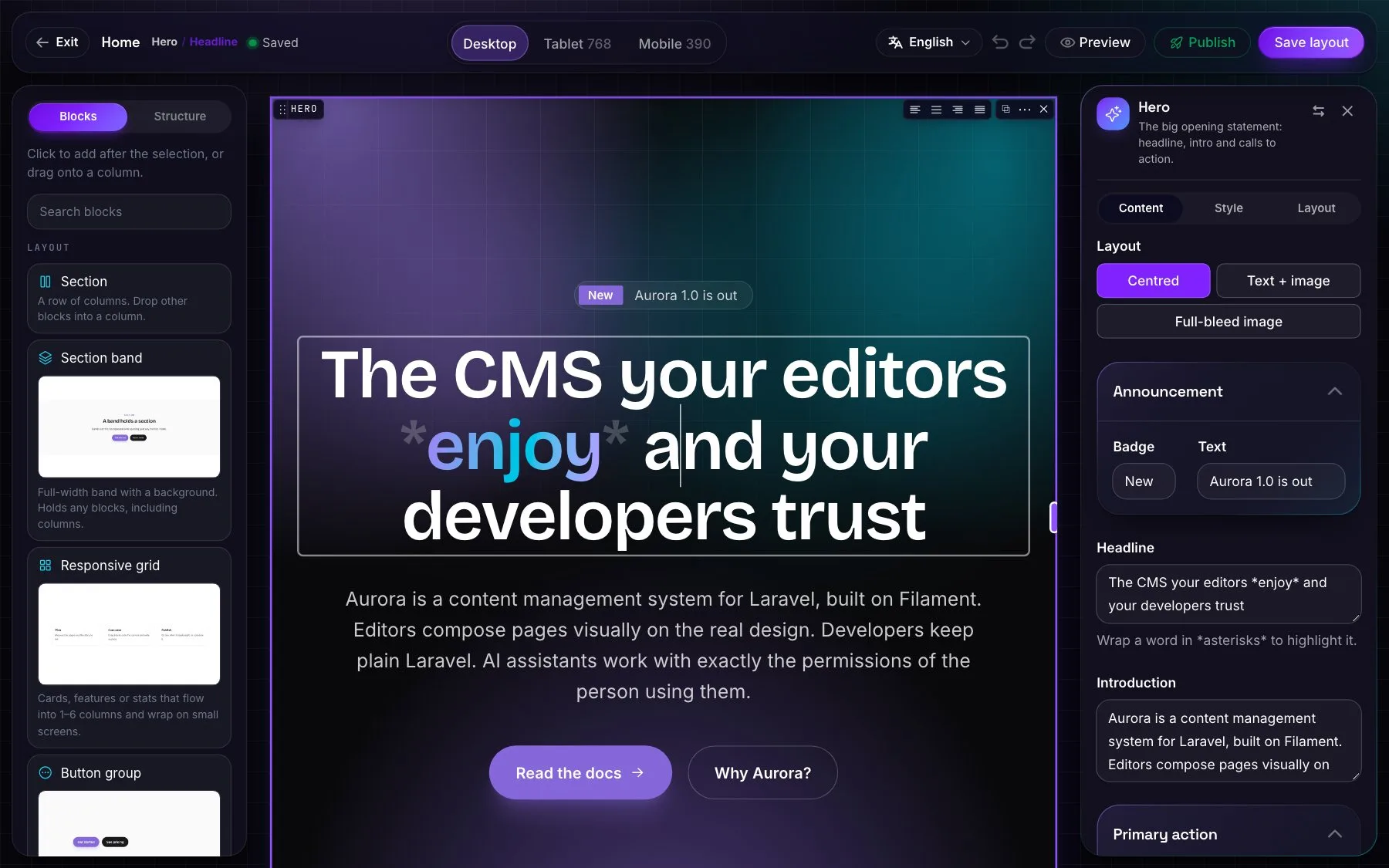
The canvas renders the website's own components and stylesheet.
Visual editor
A palette of blocks, drag and drop into bands, columns and grids, and an inspector for every field.
Inline editing
Type into headings, paragraphs, buttons and list items. Asterisks highlight words.
Every width
Desktop, tablet and mobile on the canvas, and a preview inside the real site.
Image edits
Crop, rotate and adjust each use of an image without touching the original.
Undo, copy and paste
Undo and redo, copy blocks and styles, resize columns, right-click for more.
Translate on the canvas
One structure for every language; untranslated text is highlighted, AI fills it in.
Publishing
Safe by default
Nothing reaches the website by accident.
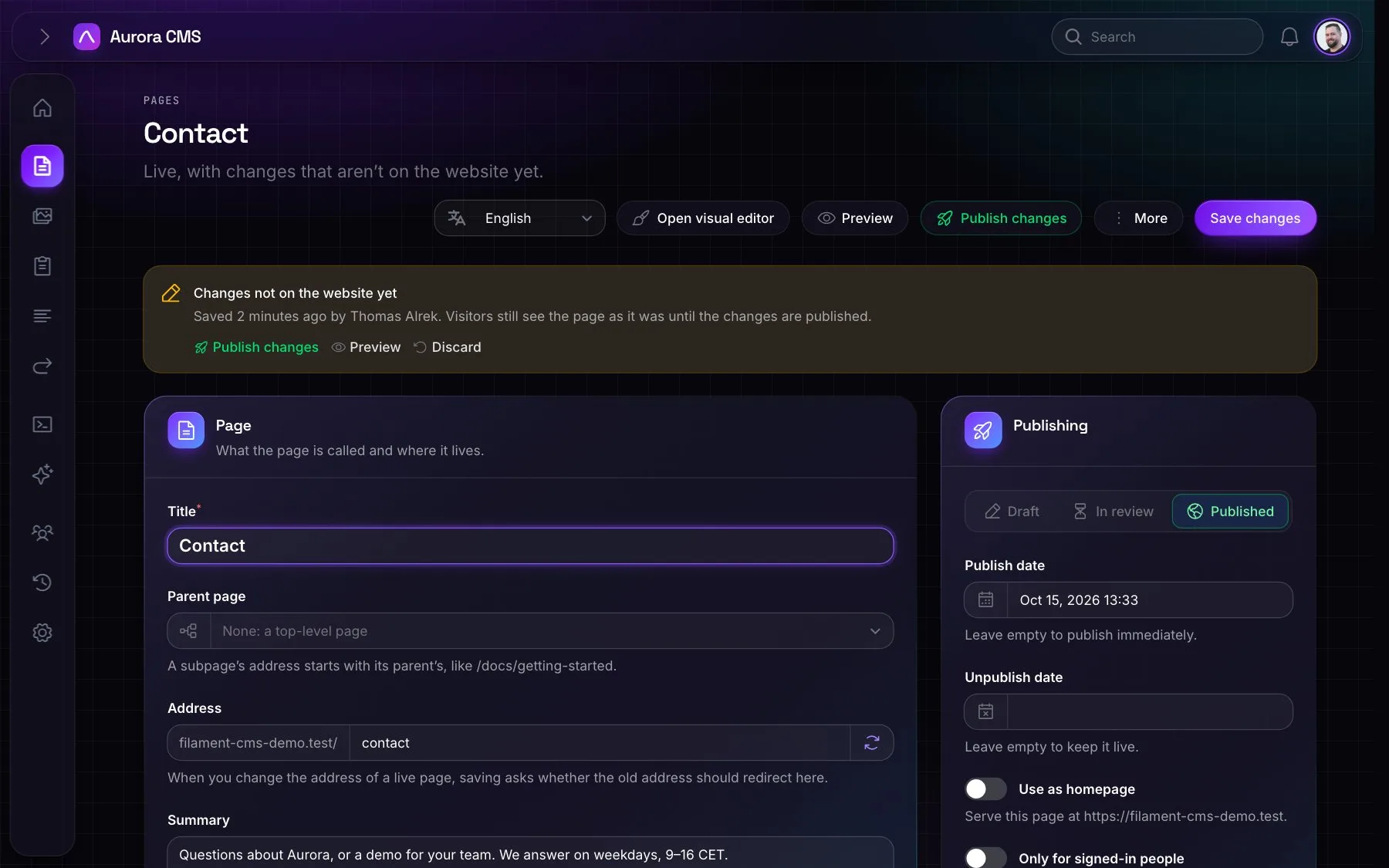
Changes waiting
Saved changes to a live page wait until someone publishes them, unless a site says otherwise.
Review
Authors send pages for review; everyone who may publish is notified.
Scheduling
Publish and unpublish dates, checked on every request: no cron needed.
Edit locks
One person edits a page at a time; others can take over.
Revisions
Every save from every surface, previewed and restored in one click.
Redirects
Change a live page's address and the old one keeps working, per language.
Content
Media, forms and menus
The parts every website needs, done properly.
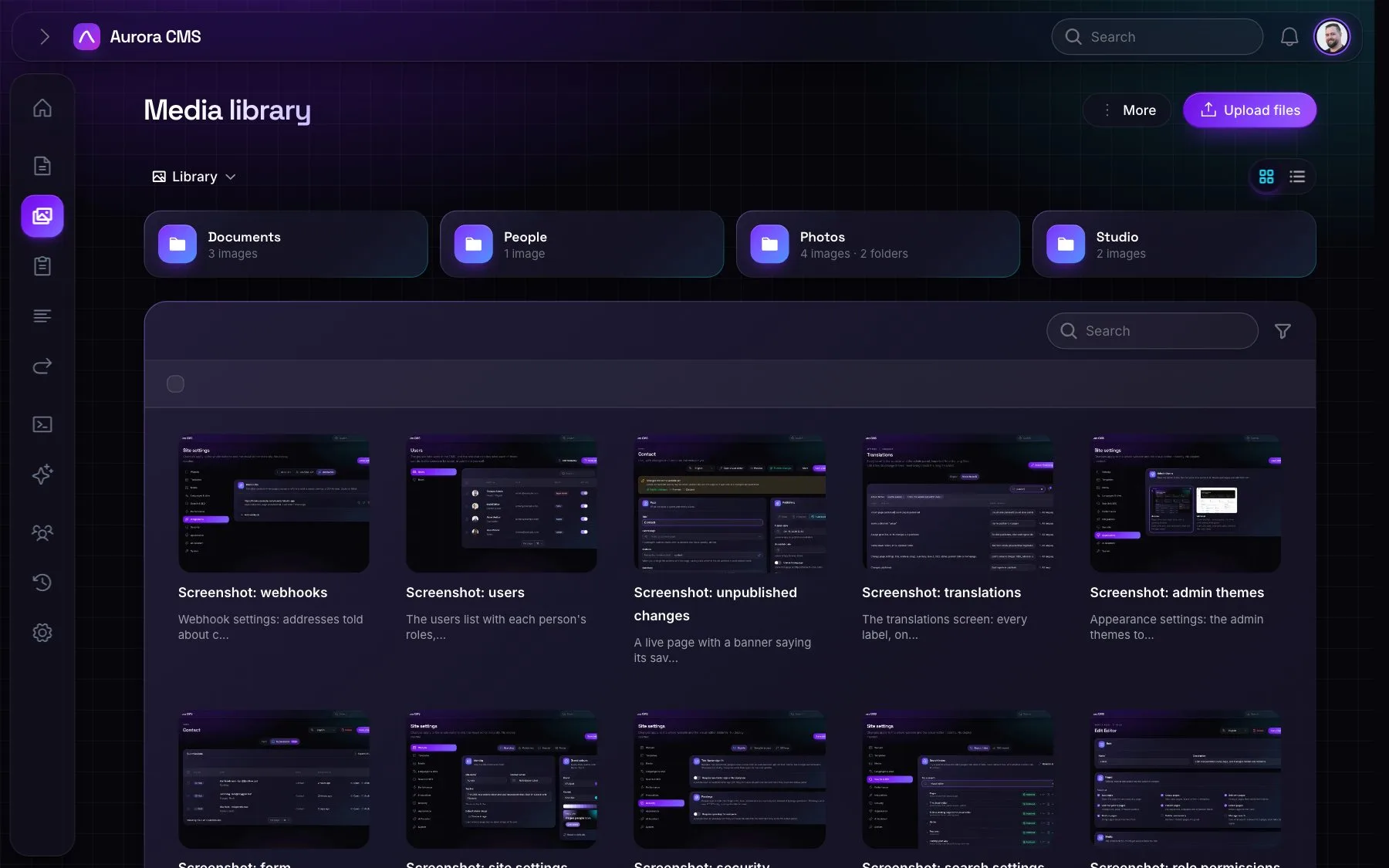
Media library
Folders, tags, focal points, image formats in WebP or AVIF, and where each file is used.
Forms
Conditional fields, file uploads, spam protection, email notifications and CSV export.
Menus
Menus of any depth whose page items follow the page when its address changes.
Languages and sites
Built for more than one
One admin for every language and every website.
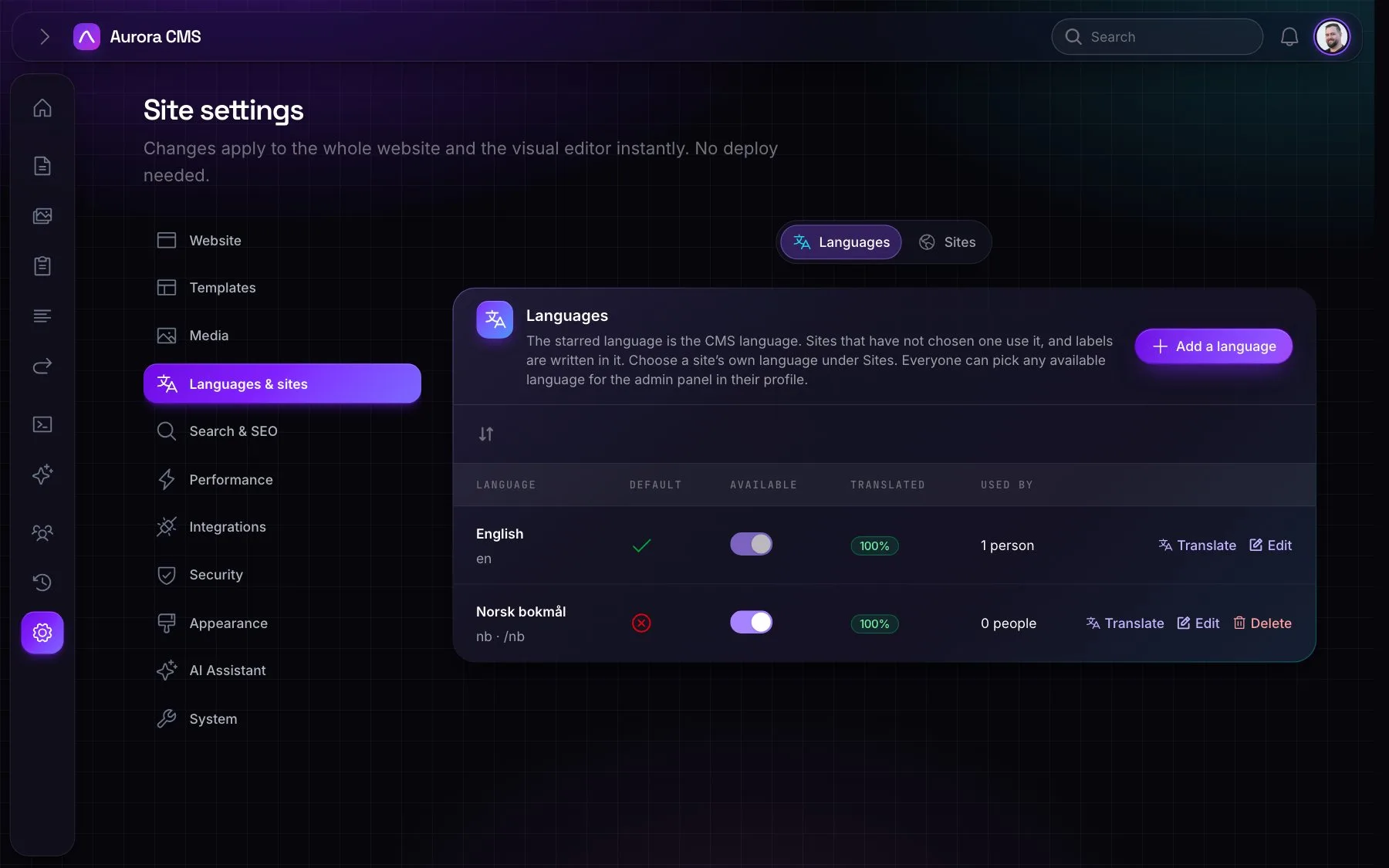
Content in every language
Pages, menus, media text and forms, each with its own address per language.
Labels you can edit
Every label in the admin and the website, translated from one screen, with AI.
Several websites
Each with its own domain, pages, menus, settings, languages and people.
People and security
The right access for everyone
Roles in plain language, modern sign-in and an audit trail.
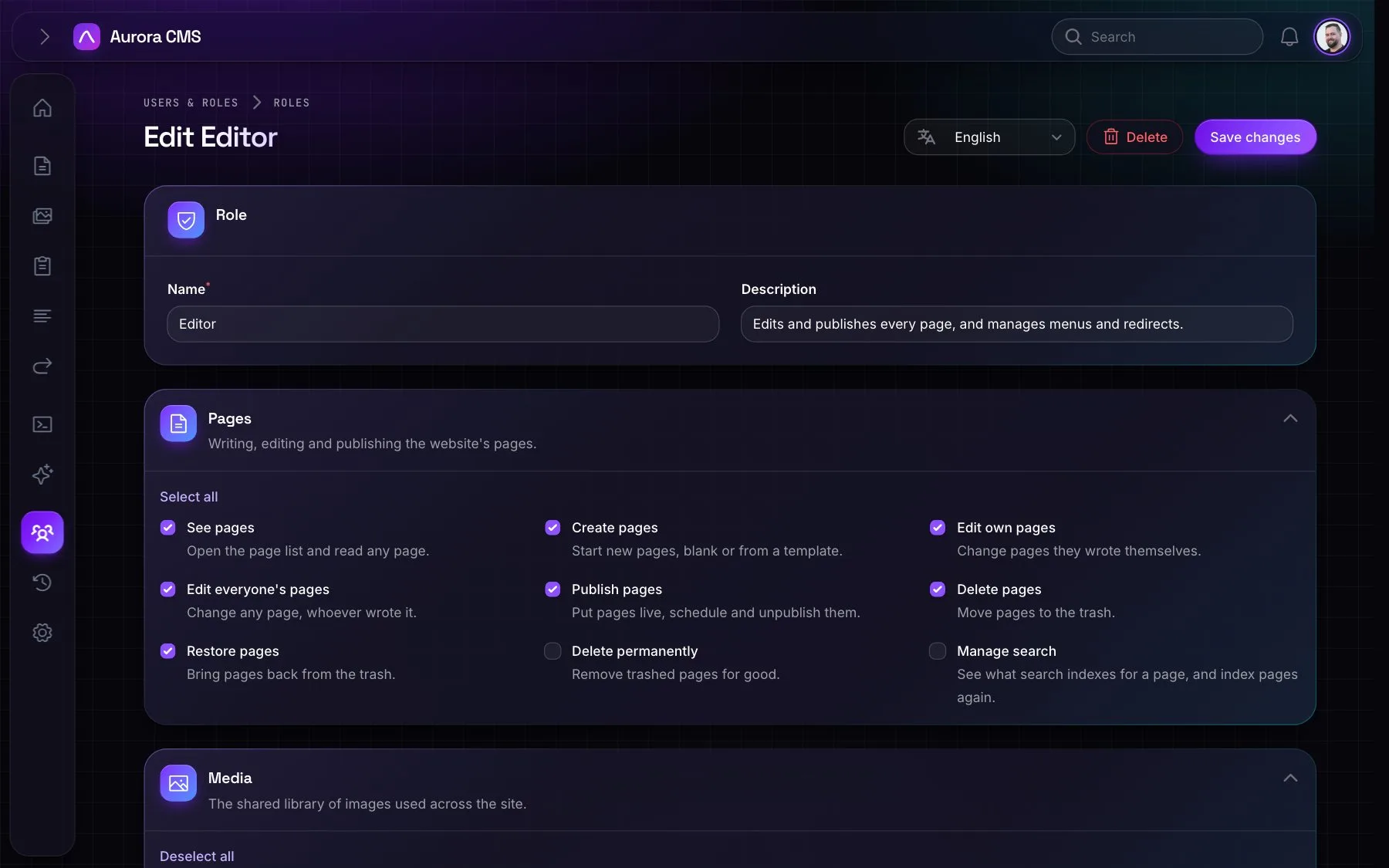
Roles & permissions
Ready-made roles, your own roles, and permissions written for editors.
Passkeys & two-factor
Passkeys, authenticator apps and recovery codes, and switches to require them.
Activity log
Who created, changed or deleted what, and which fields changed.
AI
Assistants you can trust
Helpful, and never more powerful than the person using them.
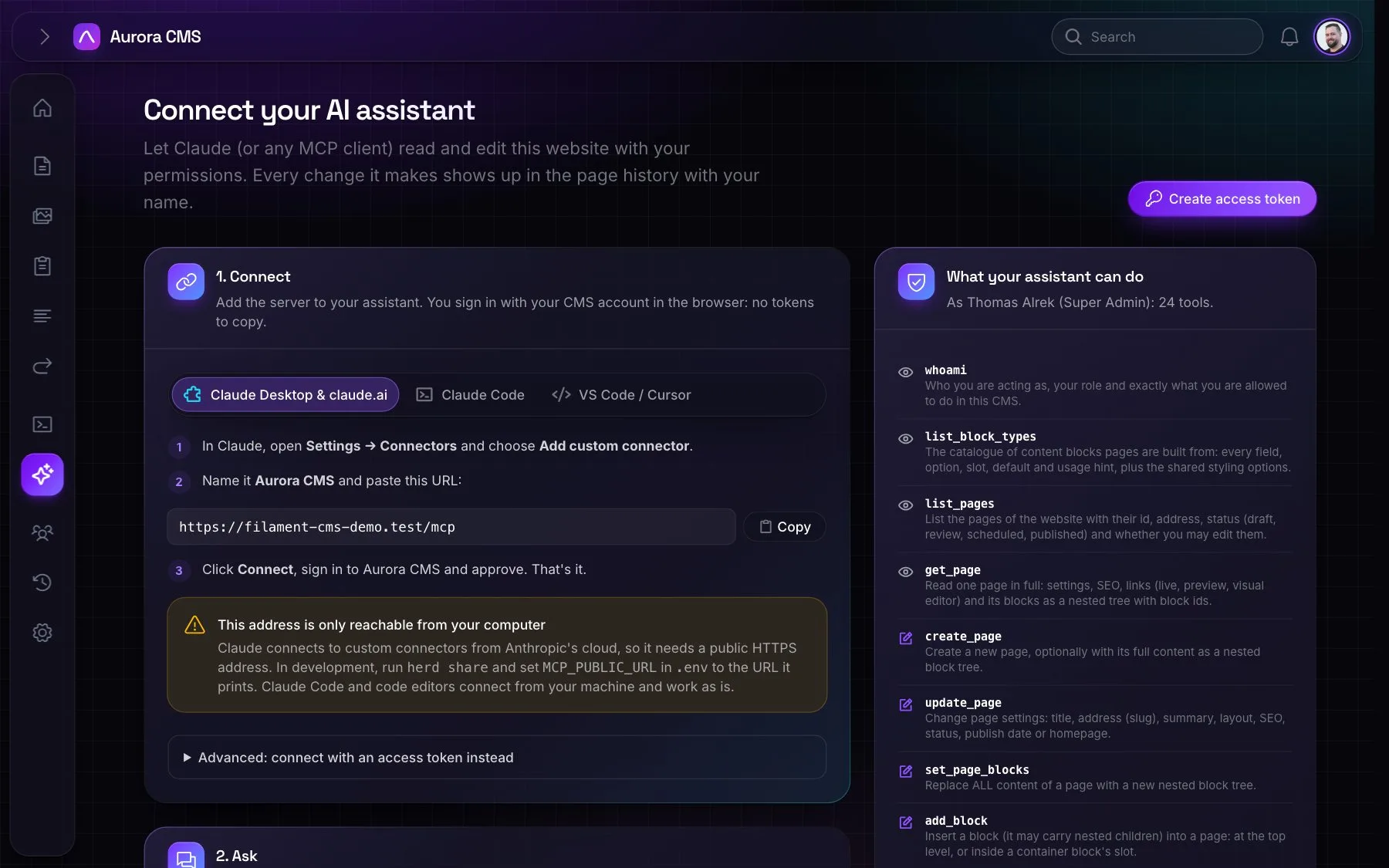
MCP for Claude and more
Claude Desktop, claude.ai, Claude Code, Cursor and VS Code connect over OAuth.
Assistant in the admin
The same tools as MCP, with the same permissions, aware of the screen you're on.
Write with AI
A sparkle on text fields, AI translation, and alt text written for every new image.
Developers
Headless, fast and open
For the website, apps and everything around it.
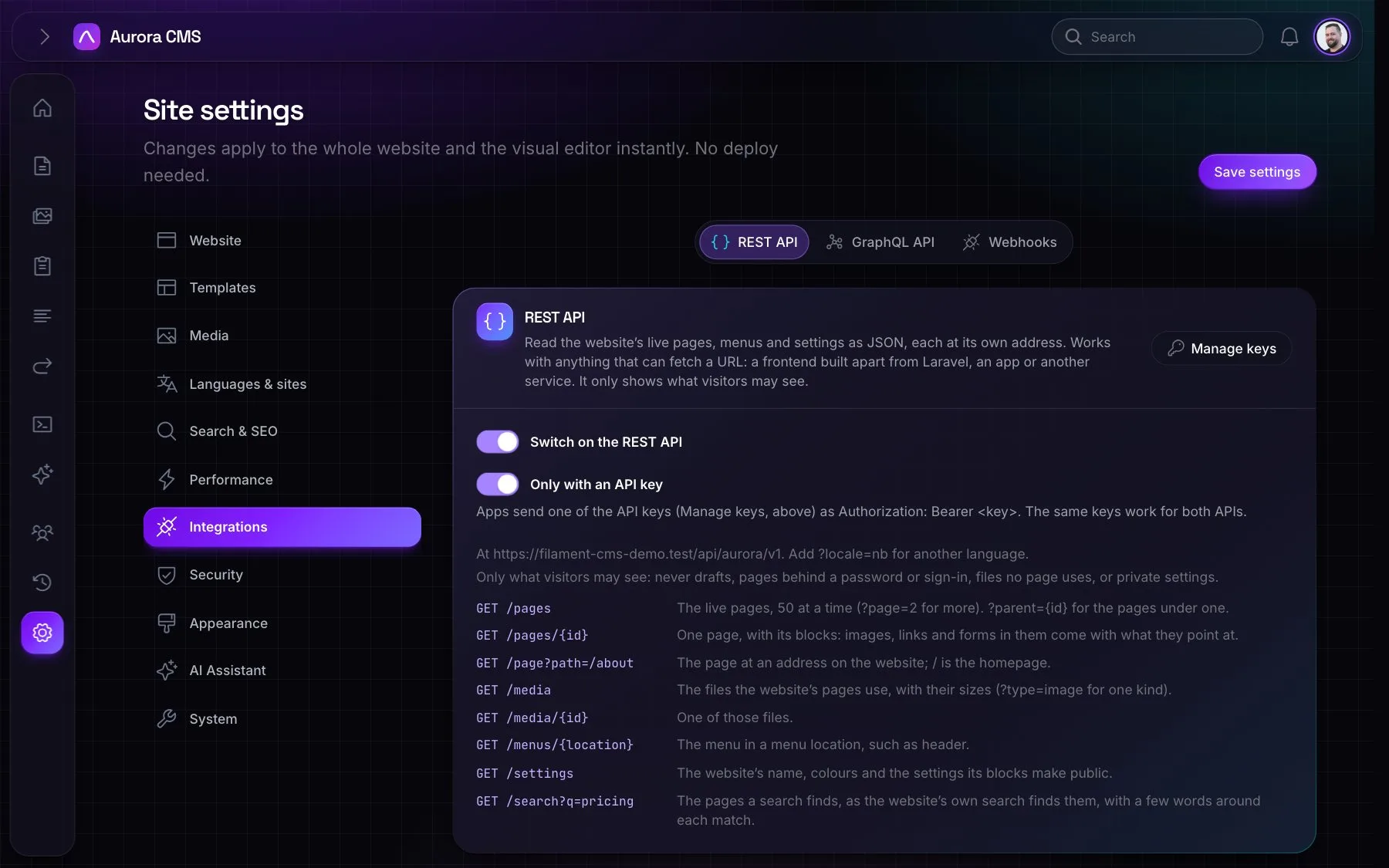
REST and GraphQL
Read-only APIs with structured blocks, and API keys with scopes.
Page cache
Finished pages served without running them again, cleared on any change.
Webhooks and events
Signed webhooks and Laravel events when pages and forms change.
See the building blocks
Every block this website is built with, on one page.
Open the component library